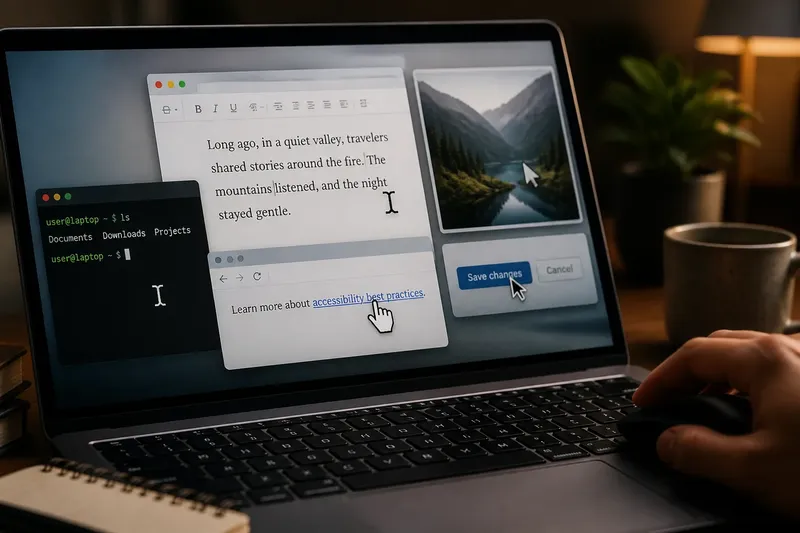
No. 03Interaction
The Quiet History of the Cursor
The history of the cursor shows how text markers, mouse pointers, and changing shapes signal where you can type…
Read the screen beyond the obvious.
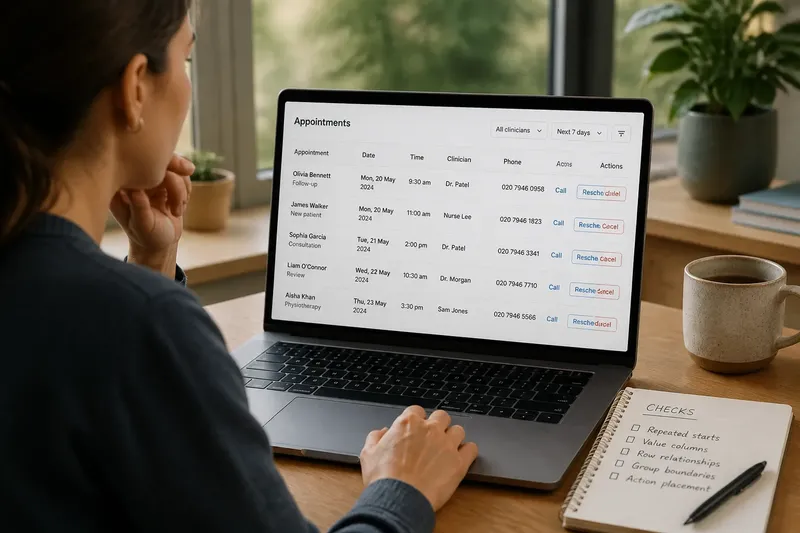
In focus
A clear-eyed look at the visual choices behind screens, from the order of information to the small cues that invite a tap.
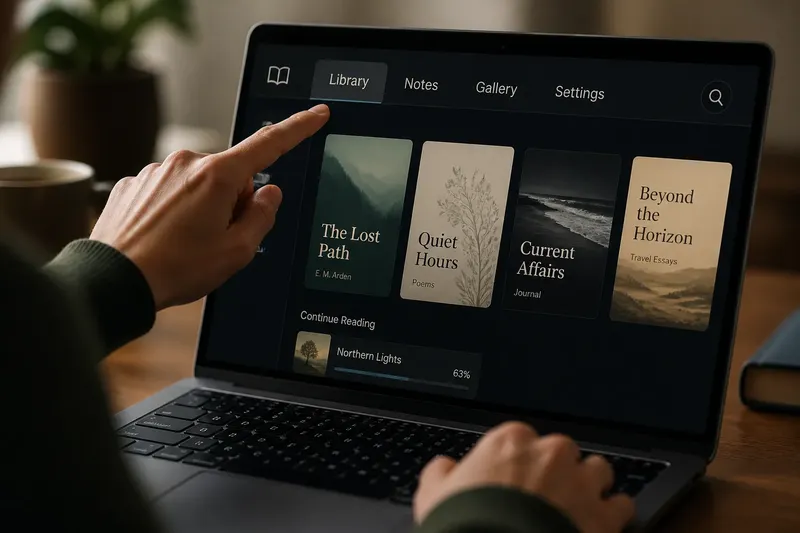
Typography
Serif or sans serif for a short screen label? Match type to the label’s letter shapes and length to make names, tabs, and controls easier to read.
Read the pieceNo. 03Interaction
The history of the cursor shows how text markers, mouse pointers, and changing shapes signal where you can type…

No. 02Colour
Learn how to use color codes with labels, contrast, and repetition so readers can interpret interface signals without…
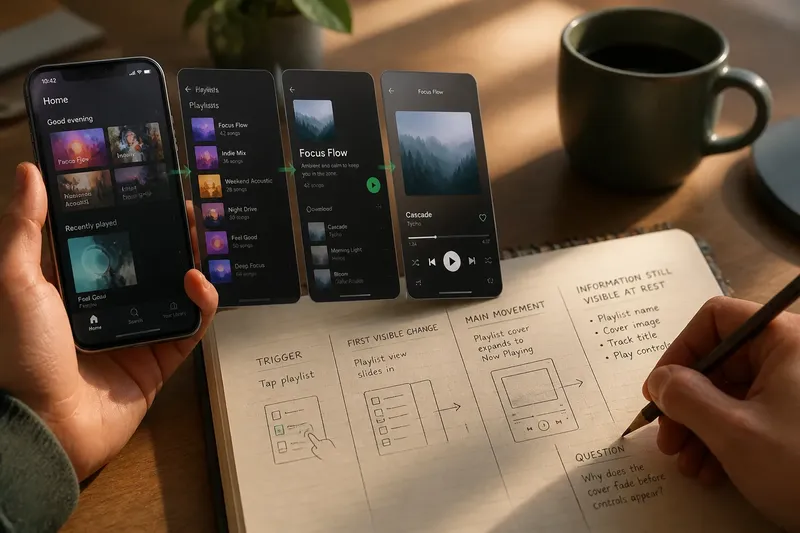
No. 01Motion
Use a five-minute rewatch of one familiar screen flow to see where transitions begin, what changes, and which…
See how size, contrast and position tell the eye what comes first.
Read the choices behind type, spacing and legibility on screen.
Consider how colour groups information and changes its emphasis.
Look at movement, timing and transitions without mistaking motion for meaning.